
Rentman stays the place where you plan. When a booking changes there, CrewSheet.Pro now picks up those Rentman changes straight away and tells you.
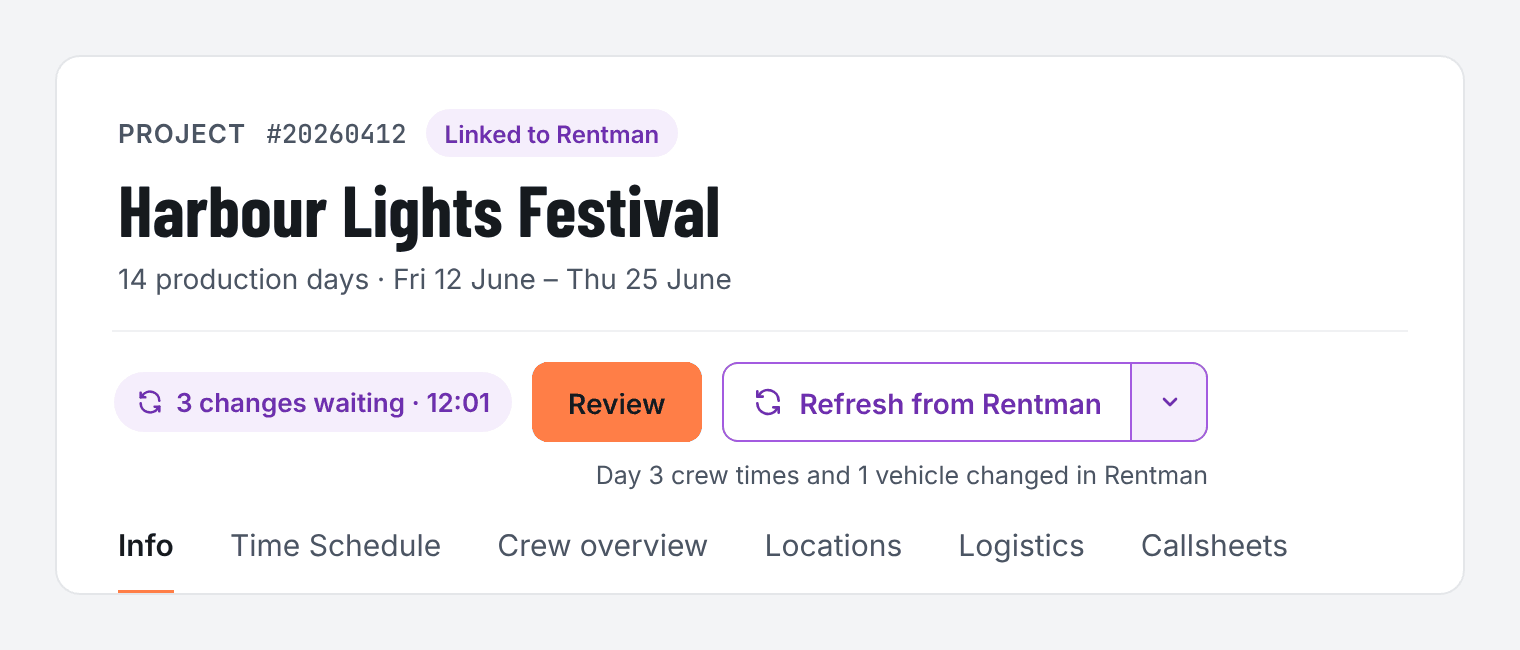
A heads-up when Rentman changes
When a planning change from Rentman comes in, a short notice pops up in CrewSheet.Pro. Click Review to see exactly what changed. Nothing reaches your callsheet until you confirm it.
Fresh data when you need it
- Changes are flagged automatically through the Rentman webhook, plus a nightly sync as a safety net. They wait for your review, so your callsheet never changes behind your back.
- Need the latest planning right now? Pull in the changes yourself, at any moment.
- If a change touches a value you edited yourself, you choose: keep yours or use Rentman.
- Changed contact details, such as a new phone number, show up under Integrations › Updates, ready to apply.
New to the Rentman integration? See how it works and how to connect it. Rentman import is included in the Producer and Business plans.