
Plans change after the callsheet has gone out. A call time moves, a crew member drops out, the load-in gate changes. On the Business plan, CrewSheet.Pro now keeps track of changed callsheets for you, so nobody works from an old version.
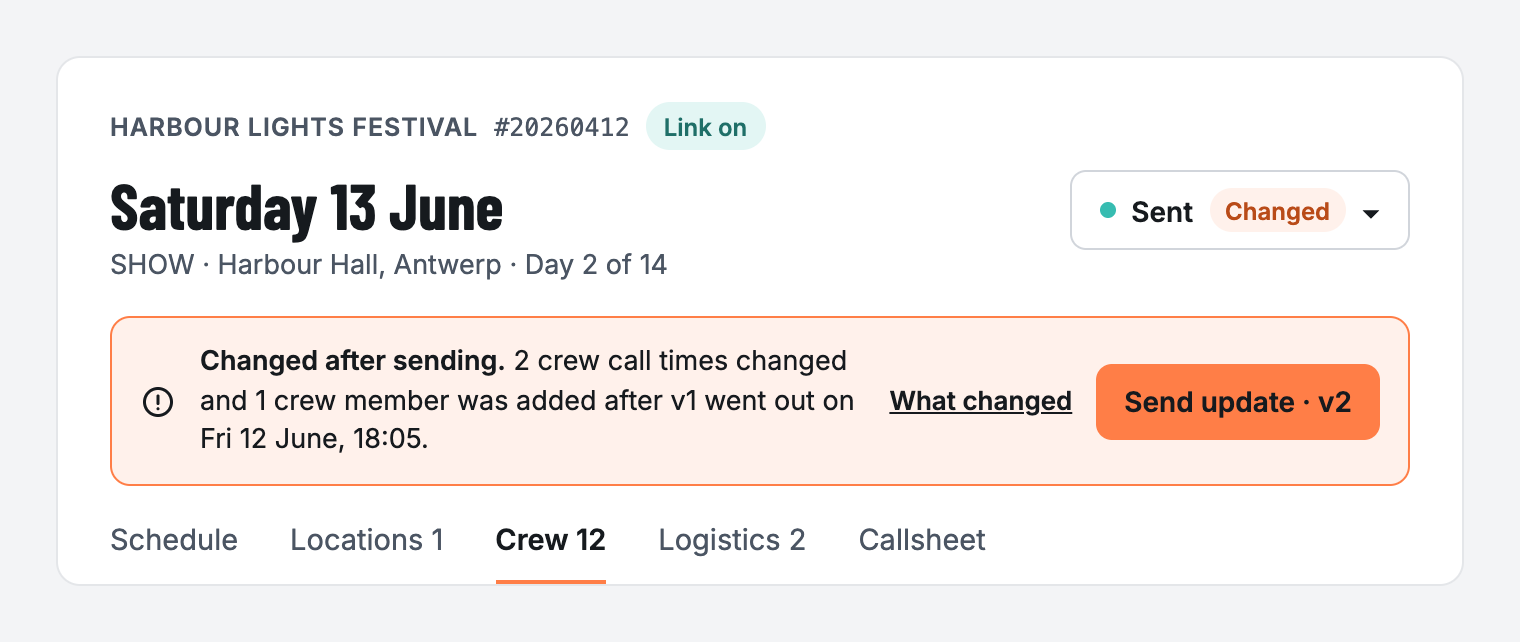
Spot changed callsheets
As soon as you edit a callsheet that was already sent, it is marked Changed. On the Callsheets page you can filter on Changed, so you see at a glance which days need a new send.
Send an update in one click
- Click Send update to send the new version (v2, v3, …) to your crew.
- The update email is clearly marked as an update, so your crew knows to look again.
- Crew you removed from the day are left out by default. You can still add them back before you send.
Changed callsheets and Send update come with email sending and auto-send in the Business plan.